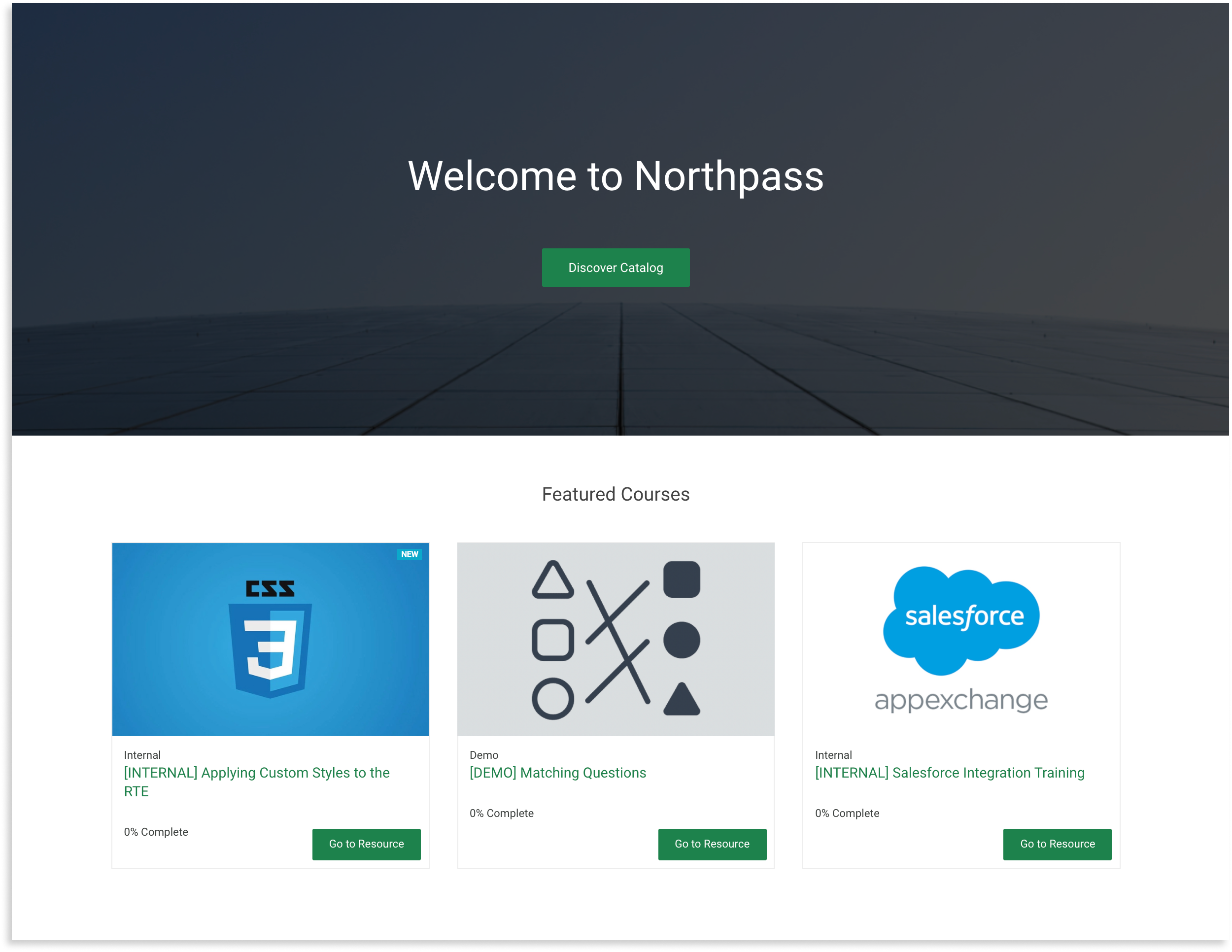


Use this to customize the User Experience of your school
## Table of Contents
- [How Northpass templates work](#how-northpass-templates-work)
- [General information](#general-information)
- [Liquid](#liquid)
- [Root and partial templates](#root-and-partial-templates)
- [Important](#warning-important-warning)
- [Quick start](#quick-start)
- [Templates](#templates)
- [/](https://github.com/SchoolKeep/schoolkeep-templates/tree/master#homepage-path)
- [/learners/sign_in](https://github.com/SchoolKeep/schoolkeep-templates/tree/master#login)
- [/my_dashboard](https://github.com/SchoolKeep/schoolkeep-templates/tree/master#my-dashboard)
- [/learning_paths](https://github.com/SchoolKeep/schoolkeep-templates/tree/master#learning-paths)
- [/learning_paths/:id](https://github.com/SchoolKeep/schoolkeep-templates/tree/master#learning-paths-id)
- [/learning_paths/:id/cover](https://github.com/SchoolKeep/schoolkeep-templates/tree/master#learning-paths-id-cover)
- [/courses/:id/cover](https://github.com/SchoolKeep/schoolkeep-templates/tree/master#course-id-cover)
- [/learning_paths/:lp_id/courses/:c_id/cover](https://github.com/SchoolKeep/schoolkeep-templates/tree/master#learning_paths-lpid-courses-cid-cover)
- [Learning Experience V3](https://github.com/SchoolKeep/schoolkeep-templates/tree/master#learning-experience-v3)
- [Learning Experience V2](https://github.com/SchoolKeep/schoolkeep-templates/tree/master#learning-experience-v2)
- [/account/edit](https://github.com/SchoolKeep/schoolkeep-templates/tree/master#account-edit)
- [/training_events](https://github.com/SchoolKeep/schoolkeep-templates/tree/master#training-events)
- [/training_sessions/:id](https://github.com/SchoolKeep/schoolkeep-templates/tree/master#training-session-id)
- [/search](https://github.com/SchoolKeep/schoolkeep-templates/tree/master#search)
- [/catalog](https://github.com/SchoolKeep/schoolkeep-templates/tree/master#catalog)
- [/catalog_search](https://github.com/SchoolKeep/schoolkeep-templates/tree/master#catalog-search)
- [/catalog/:id/:slug](https://github.com/SchoolKeep/schoolkeep-templates/tree/master#catalog-id-slug)
- [/500](https://github.com/SchoolKeep/schoolkeep-templates/tree/master#server-error)
- [Variables](#variables)
- [Global](#global)
- [By template](#by-template)
- [Definitions](#definitions)
- [FAQ](#faq-questionquestionquestion)
## [How Northpass templates work](#table-of-contents)
### [General information](#table-of-contents)
In this repository we give you the access to base templates, which should be the starting point for your customizations. All templates are in the `/templates` directory. You can edit them but you can't add your own.
### [Liquid](#table-of-contents)
At Northpass we use Liquid as a template language. [Liquid](https://shopify.github.io/liquid/) was created by Shopify and is used in production by dozens of companies around the world. We use it to load dynamic content on the school website. In individual templates you can use variables that download data directly from the Northpass platform. Thanks to this you have the opportunity to create a completely unique User Experience in your school.
We encourage you to read the [Liquid documentation](https://shopify.github.io/liquid/) to learn more about the syntax and possible use cases.
### [Root and partial templates](#table-of-contents)
The templates available in our application are divided into two types:
* **root templates**
* **partial templates**
**Root template** occurs only once for pages in the application for which we enable customizations, e.g. `my_content`, `course_index` or `course_details`.
**Partial templates** are smaller fragments that can be included in root templates, their name always begins with the prefix `_`.
Thanks to this division we are able for instance to customize a footer once and use it in all other templates.
This is the example of the root template and its partial templates:
```
course_index
├── _head
├── _header
├── _footer
├── _catalog_search_form
├── _course
```
### :warning: [Important](#table-of-contents) :warning:
Once you edit your templates we won’t support automatic updates with additional features that Northpass makes to the base templates. You will need to merge the changes into your templates directory. Additionally, we will not be able to support the look and feel of your website.
## [Quick start](#table-of-contents)
**1. Clone the repository**
```
git clone https://github.com/SchoolKeep/schoolkeep-templates.git
```
**2. Install text editor**
If you don't have any text editor installed, you should now choose one. Below is a list of a few that are very popular and you can certainly trust them.
VSCode | Atom | Sublime
:-------------------------:|:-------------------------:|:-------------------------:
 |  | 
**3. Modify base templates**
Open the directory with the cloned repository in the text editor of your choice and you can get started! 🚀🚀🚀
**4. Upload modified templates to the Northpass application**
After you make changes to selected base templates, you should upload them to the application. Go to the `Design` tab in the administrator view and then to `School Website Styling`.
Click the `Upload Templates` button and add the templates you have chosen, then confirm the changes with the `Save` button.

## [Templates](#table-of-contents)
❗️ Important note ❗️
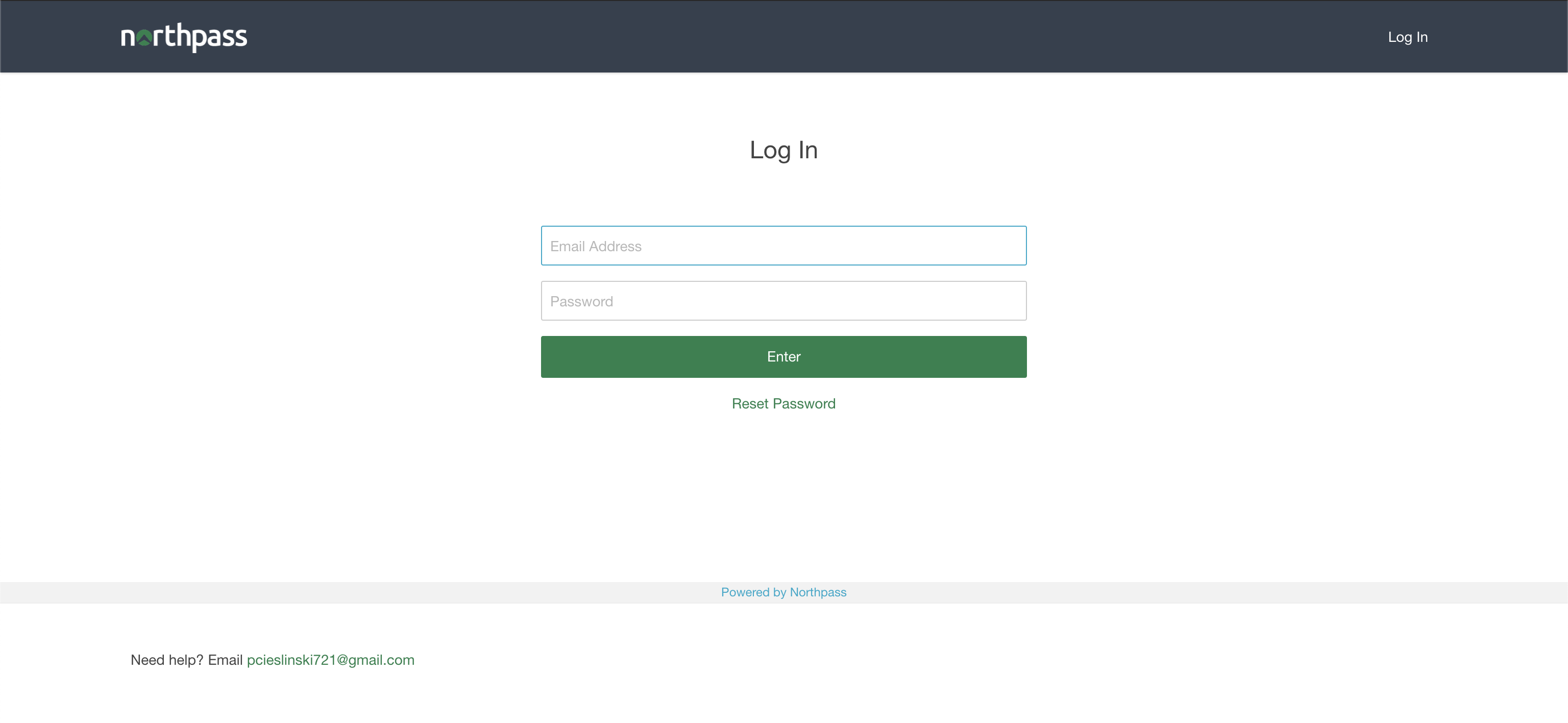
The login page uses an HTML form to submit the learner's credentials. Please make sure you're not overwriting its internals:
- the `action` and `method` attributes on the `